
Downloads

Downloads & Free Trial

New to EasyThree? We want you to experience everything it can do, no limits, no watermarks, no strings attached. That’s why we offer a full-featured 7-day free trial. Create, explore, and test it out on your terms. It’s the real deal, and it’s on us.

Already a licensed user? If your license is active, you can download the latest release below and get started right away.

Windows Downloads

C7B21595F2E204988EA8E4464D84CBFFE544E2163967F4E224F7ACFFD690E328


630714F9D59C1CB8B09C27F2DF8F712E64D4A4C1B622DBD59F8E79E2903BB021

Mac Downloads

8d8c2d1db623a227589fc7aa8784d8eac877f6ce8482022229d142421cd8a926


8d8c2d1db623a227589fc7aa8784d8eac877f6ce8482022229d142421cd8a926

EasyThree is digitally signed and safe to install. Verified publisher: Albero Art Studio.

🖥️ Windows System Requirements for EasyThree

To ensure the best experience with EasyThree, your system should meet the following requirements:
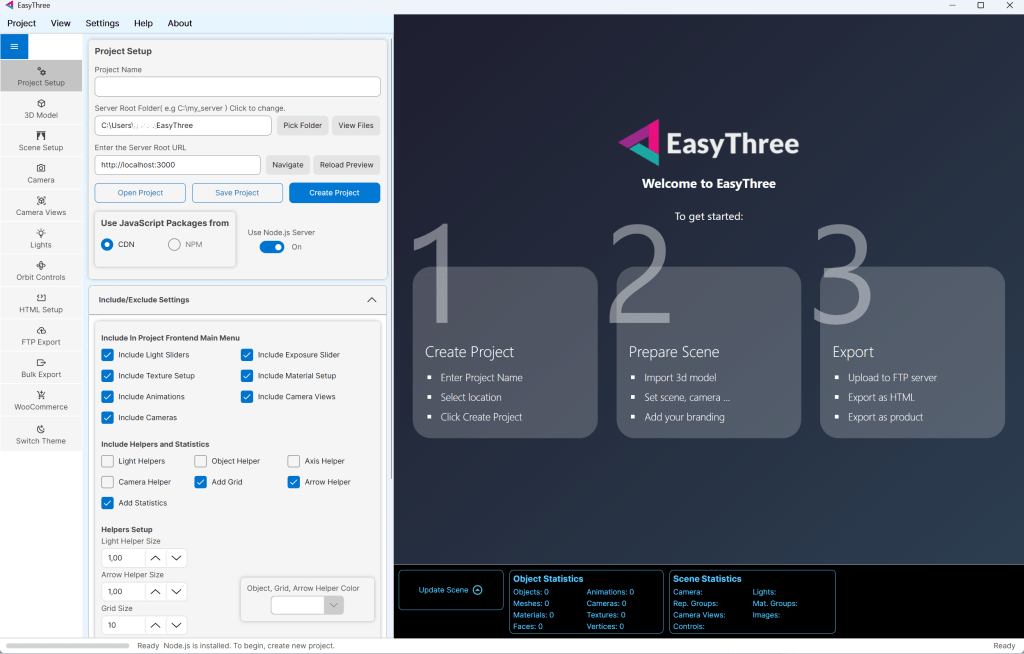
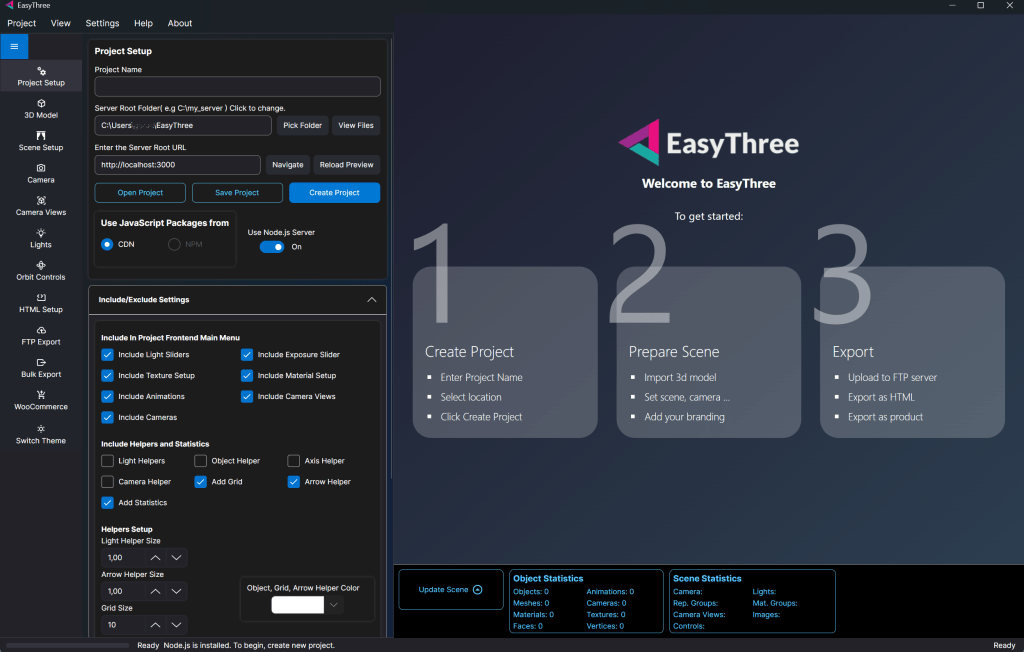
✅ Minimum Requirements

  • Operating System: Windows 10
  • Processor: Intel Core i3, AMD Ryzen 3, or ARM64 equivalent
  • Memory (RAM): 4 GB
  • Graphics: Integrated GPU with OpenGL 3.3 support
  • Storage: 500 MB free disk space
  • Internet: Required for activation and updates

🚀 Recommended Requirements

  • Operating System: Windows 11 (64-bit)
  • Processor: Intel Core i5 or higher / AMD Ryzen 5+, or ARM64 equivalent
  • Memory (RAM): 8 GB or more
  • Graphics: Dedicated GPU (NVIDIA GTX 1050 or better)
  • Storage: SSD with 1 GB free space
  • Internet: Stable broadband

🖥️ Mac System Requirements for EasyThree

To ensure the best experience with EasyThree, your system should meet the following requirements:
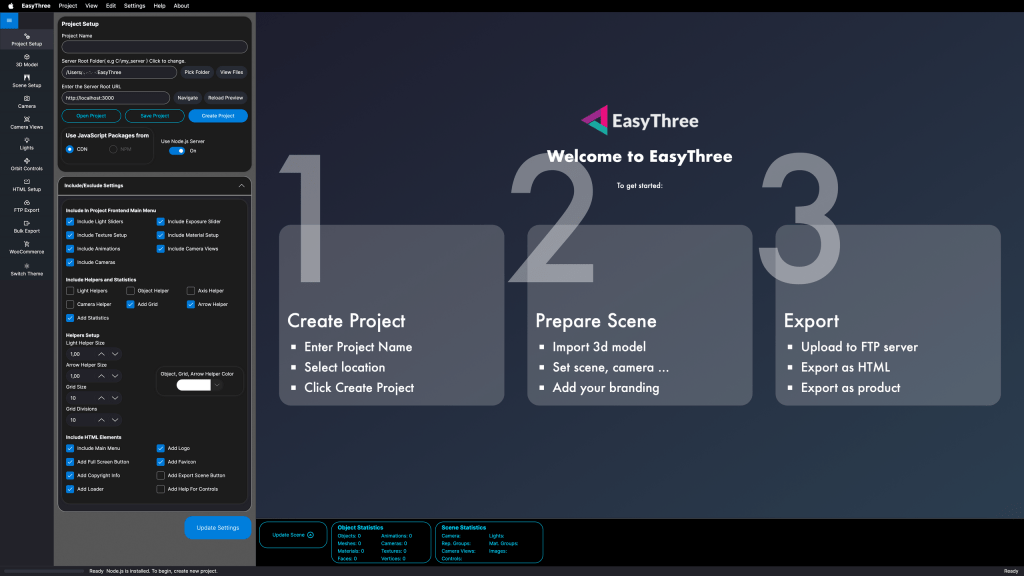
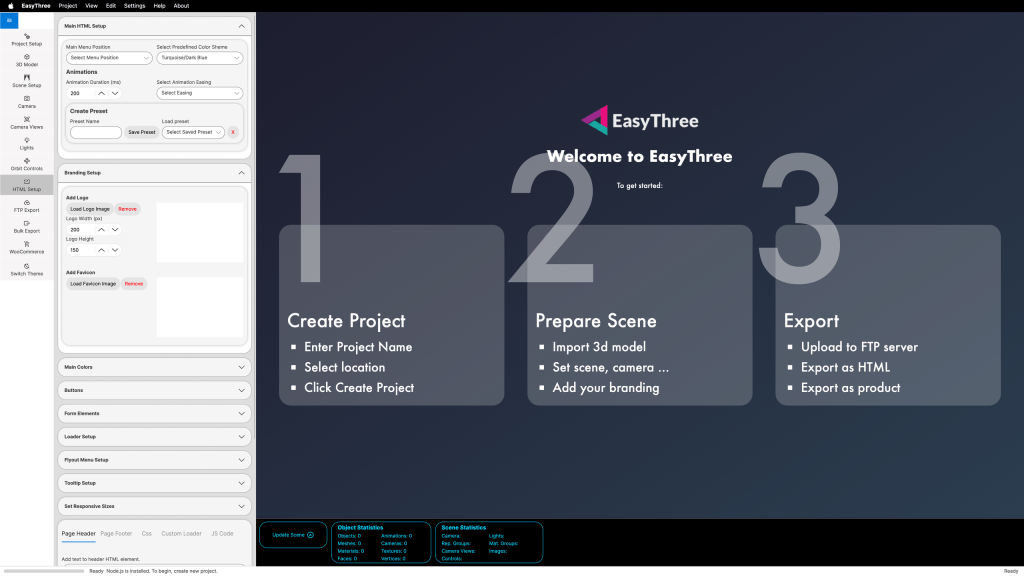
✅ Minimum Requirements

  • Operating System: macOS 10.13 (High Sierra) or later
  • Processor: Intel Core i3, Apple M1 (ARM64), or equivalent
  • Memory (RAM): 4 GB
  • Graphics: Integrated GPU with OpenGL 3.3 support
  • Storage: 500 MB free disk space
  • Internet: Required for activation and updates

🚀 Recommended Requirements

  • Operating System: macOS 12 (Monterey) or later
  • Processor: Intel Core i5 or higher / Apple M1 Pro, M2, or newer (ARM64)
  • Memory (RAM): 8 GB or more
  • Graphics: Dedicated GPU (AMD Radeon Pro or Apple GPU equivalent)
  • Storage: SSD with 1 GB free space
  • Internet: Stable broadband

📎 Notes

  • EasyThree runs best on systems with dedicated graphics and SSD storage.
  • For exporting high-resolution 3D assets or using WebGL features, a modern GPU is strongly recommended.
  • Please ensure your drivers and operating system are up to date for optimal compatibility.

Download EasyThree WordPress Plugin for WooCommerce

You can also download our plugin from WordPress plugin repository.

How to install our WordPress Plugin

Admin Installer via search

  1. Visit the Add New plugin screen and search for “EasyThree”.
  2. Click the “Install Now” button.
  3. Activate the plugin.
  4. You can Access EasyThree settings from the Tools menu.

Admin Installer via zip

  1. Visit the Add New plugin screen and click the “Upload Plugin” button.
  2. Click the “Browse…” button and select the zip file of our plugin.
  3. Click “Install Now” button.
  4. Once uploading is done, activate EasyThree.
  5. You can Access EasyThree settings from the Tools menu.